Ecommerce SEO Audits: 12 Things We Check Before Anything Else

Most ecommerce SEO audit checklists have 50 items, take 30 minutes, and produce no ranking change. The audits that do move rankings start with 12 specific things: indexation, canonical handling, crawl budget, and Core Web Vitals at the theme layer. Title tag tweaks come later.
Why most ecommerce SEO audit checklists are wrong
Open any “complete ecommerce SEO audit checklist” article and you’ll see 50-100 items: title tags, meta descriptions, alt text, image compression, header hierarchy, breadcrumb schema, sitemap submission. All correct. None of them rank a store that has indexation chaos.
The checklist format is wrong because it weighs every item equally. A missing meta description on a product page is a 5-minute fix worth 0.1% ranking impact. A faceted navigation system flooding the index with 12,000 thin filter URLs is a structural problem worth 30-40% of the store’s potential ranking. Both items get one row on a 50-item checklist. The reader treats them the same.
In our experience auditing Shopify and WooCommerce stores, the same 12 issues show up first on nearly every site. We check those before touching anything else. If they’re broken, fixing item 47 (alt text on collection page banners) won’t matter.
The 12 things we check first
Ordered by ranking impact, not by which is easiest to fix.
1. Indexed URL count vs expected URL count. Pull the indexed page count from Google Search Console. Compare to the actual canonical URL count from sitemap.xml. If indexed count is 5x or more above sitemap count, faceted navigation or parameter URLs are flooding the index. Everything else is secondary until this is contained.
2. Faceted navigation handling. Color, size, and price filters generate parameter URLs (?color=red&size=m). Without noindex rules or canonical tags pointing to the parent collection, Google indexes every combination. We check robots.txt rules, meta robots on filtered pages, and canonical link headers on parameter URLs.
3. Product variant indexing strategy. A product with 5 colors and 4 sizes can spawn 20 SKU URLs. Each one fragments authority. We check whether the canonical points to the parent product, the variant URL, or nothing (default Shopify and WooCommerce behavior is “nothing”).
4. Product schema completeness. Google Search Central documents the required Product schema fields for shopping rich results. We check every product type for completeness: price, availability, review aggregateRating, brand, GTIN, and image. Most stores ship with 4 of 6 fields populated.
5. Category page on-page content. Most ecommerce category pages have a heading and a product grid, no body content. Google has nothing to read. We check whether each category page has 150-300 words of relevant copy above or below the grid, with target keyword usage and internal linking to related categories.
6. Internal linking from blog to product pages. Blog posts that exist in isolation do nothing for product rankings. We check whether the top blog posts have contextual links to related collection or product pages, and whether the internal link anchor text is descriptive (not “click here”).
7. Theme-layer Core Web Vitals. Google’s web.dev Core Web Vitals docs flag LCP, INP, and CLS as ranking factors. We check Lighthouse + CrUX field data on category pages, product pages, and the homepage. Theme bloat (slider banners, popup builders, custom JS) routinely fails LCP at 4-6 seconds where 2.5 is the threshold.
8. Pagination handling on category pages. Stores with 100+ SKUs in a collection use pagination. We check whether rel="next" and rel="prev" are implemented (or if the platform decided to use infinite scroll without proper crawl handling). Broken pagination loses long-tail product page indexation.
9. Out-of-stock and discontinued URL strategy. Sold-out and discontinued products either 404, redirect, or sit dormant. We check what your store does by default and whether canonical authority is being preserved. The default behavior on most platforms throws away the URL’s accumulated rankings.
10. Image SEO and Google Lens readiness. Fashion, home goods, and beauty get growing traffic from Google Lens. We check image file naming, alt text, structured data on product images, and whether the image format and size match Lens’s discovery patterns.
11. Plugin or app conflict map. WooCommerce + Yoast + caching + image optimiser, or Shopify + 8 marketing apps that inject scripts. We check what’s loading, what’s conflicting, and what’s slowing crawl or load time. This is platform-specific and tedious. It also produces some of the biggest wins.
12. Reviews and engagement signals. Google increasingly weighs post-click engagement. We check review presence on product pages, return rate signals where available, and the structured data that exposes reviews to SERPs as rich results. Better reviews compound into both rich results and ranking signal over time.
For a deeper look at the category page issues specifically, our ecommerce category page SEO breakdown covers items 5 and 8 in more detail.
What we don’t audit on the first pass
Two categories are intentionally absent from the 12.
Title tags and meta descriptions. They matter, but the standard ecommerce SEO advice already covers them and most stores already have them. Tightening 200 title tags moves rankings 1-3% on a store that has structural indexation issues. Fix the structural issues first, then optimise the metadata.
Backlink profile. Important for competitive head terms. Not the first audit priority for stores with 80% indexation broken. We don’t recommend link-building campaigns on a store that hasn’t fixed its own crawl budget yet.
These come back into scope after the structural foundation is right, usually month 2-3 of the engagement.

How to use this list yourself
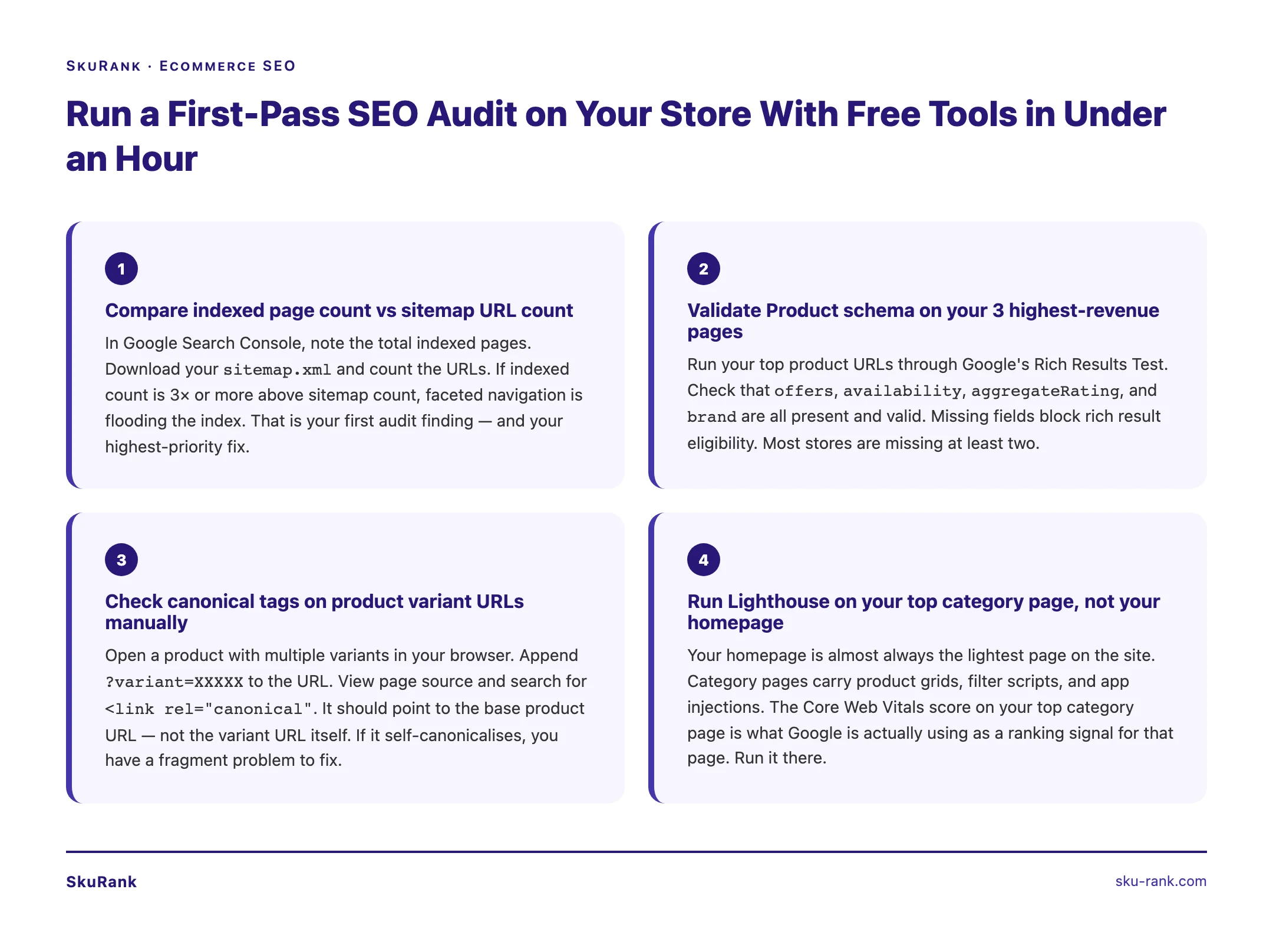
You can run the first 6 items with free tools: Google Search Console (indexation count), sitemap.xml (URL count), Screaming Frog free tier (canonical handling, parameter detection), PageSpeed Insights (Core Web Vitals), and Schema.org’s structured data validator (product schema completeness).
The bottom 6 (theme-layer CWV deep diagnosis, plugin conflict mapping, image and engagement strategy) are harder to do without specialist tooling and benchmark data. We charge for the full audit because it takes 8-12 hours and produces an implementation roadmap, not just a finding list.
How SkuRank works
SkuRank is the productized SEO retainer for ecommerce founders running Shopify and WooCommerce stores. Pricing is $750/month, published on the homepage with no discovery call required. Every engagement starts with the 12-item audit above, then moves to implementation. The full scope is in the ecommerce SEO companies guide.
FAQ
What does an ecommerce SEO audit actually check? A specialist ecommerce SEO audit checks crawl budget waste, indexation bloat from faceted nav, product schema completeness, canonical strategy across variants, internal linking from category to product pages, Core Web Vitals at the theme layer, and post-click engagement signals. Most audits stop at title tags and meta descriptions. Those rarely move rankings.
How long should an ecommerce SEO audit take? A proper ecommerce SEO audit takes 6-12 hours of specialist time. Anything completed in 30 minutes or via a free Lighthouse export is a website audit, not an SEO audit. Stores with 1,000+ SKUs or complex faceted navigation need closer to 12-15 hours for the first pass.
How much does a real ecommerce SEO audit cost? Standalone ecommerce SEO audits range from $500 (basic checklist with no fixes) to $5,000+ (specialist with implementation roadmap). Many ecommerce SEO retainers include the audit as month one of the engagement, which is usually the better value if you intend to act on the findings.
Why do most ecommerce SEO audits fail to improve rankings? Most audits produce a 50-item checklist of small tweaks and never rank what matters: indexation strategy, canonical handling for variants, faceted nav crawl budget, and theme-layer Core Web Vitals. Title tag tweaks and meta description rewrites don’t move rankings on stores with structural indexation problems. The audit measures the wrong things.
If your store has been audited by someone else and rankings haven’t moved, the audit probably missed items 1-4 above. See if SkuRank’s audit produces different findings.